
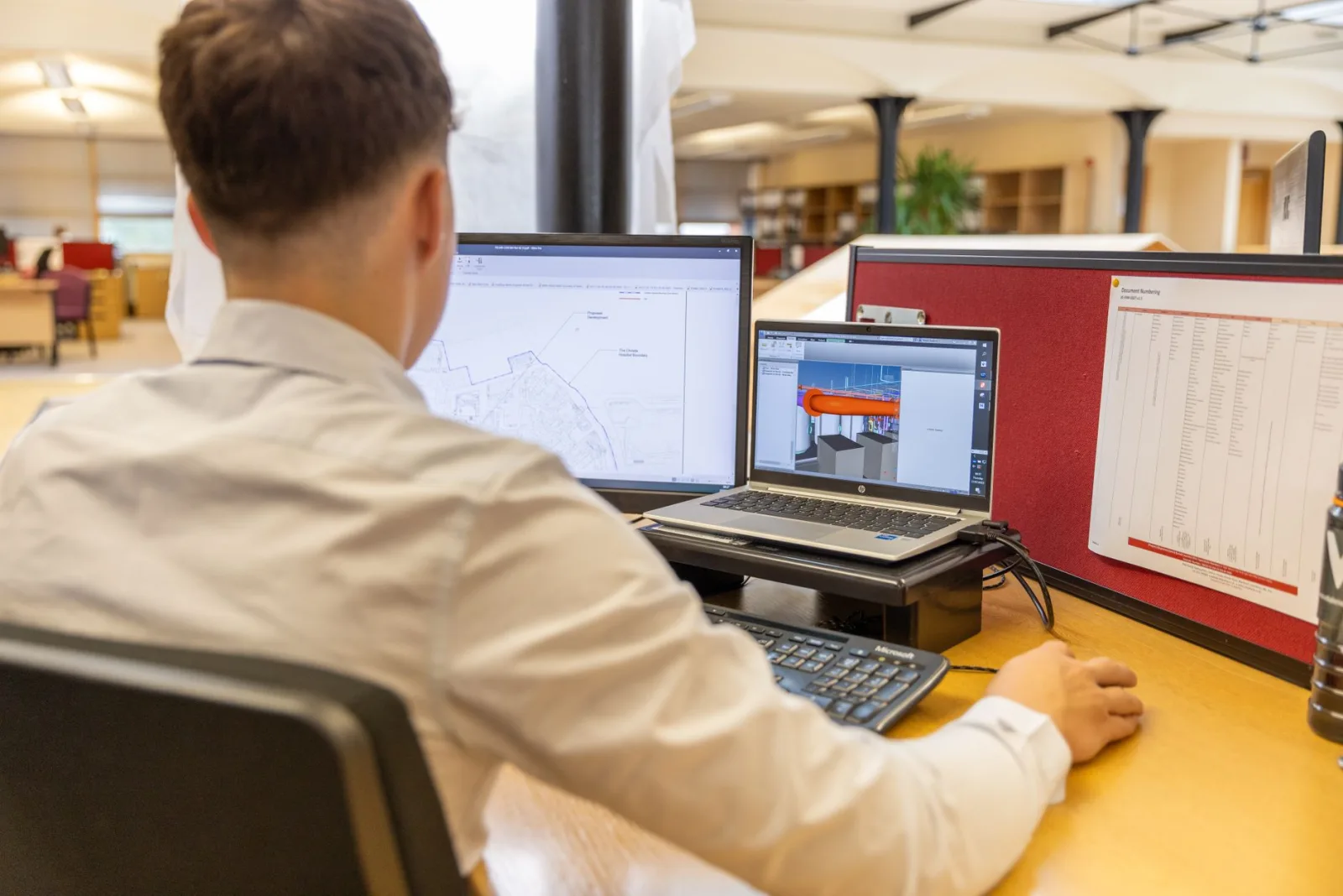
In short:
- An engineering office’s software chain is organised around 5 building blocks: CAD, PDM, PLM, simulation and CAM.
- CAD is the foundation: the other software uses the models it produces.
- PDM is enough for most small teams, PLM is justified when several departments share product data.
- The STEP (ISO 10303) and IFC (ISO 16739) formats ensure exchange between software from different vendors.
Five building blocks, five roles
An engineering office rarely uses a single piece of software. Between modelling a part and manufacturing it, several tools step in, each at a specific stage. Confusing them leads to poorly sized purchases: PLM deployed too early, or conversely CAD files managed in shared folders until a revision is lost.
| Building block | Main role | Users |
|---|---|---|
| CAD | Model parts and assemblies, produce drawings | Designers, draughtspeople |
| PDM | Manage versions, revisions, BOMs and rights | Engineering office |
| PLM | Steer the product life cycle and changes | Engineering, purchasing, quality, production |
| Simulation | Check mechanical, thermal or fluid behaviour | Analysis engineers |
| CAM | Generate machining toolpaths from the model | Manufacturing engineering, workshop |
CAD, the foundation of the chain
The CAD software produces the reference data: the 3D model and its drawings. Its choice determines part of the other tools, since many vendors offer PDM, simulation and CAM integrated into their design environment. The main criteria are the field (general mechanics, sheet metal, moulds, large assemblies), compatibility with customers and suppliers, and licence costs over several years.
PDM or PLM: a question of scope
PDM (Product Data Management) organises CAD files: it prevents two people from editing the same file, keeps revision history and generates bills of materials. It meets an engineering office’s internal needs.
PLM (Product Lifecycle Management) goes further. It links product data to other departments and formalises change request and change order processes. Its deployment is a company-wide project, involving several departments and generally taking several months.
Signs that justify PLM
- several departments edit or approve product data;
- changes must follow a traceable approval circuit;
- the company manages many variants or configurations;
- regulatory requirements demand full traceability.
Simulation and CAM: using the model
Numerical simulation (finite elements, fluid dynamics, thermal analysis) relies on the geometry from CAD. It reduces the number of physical prototypes and makes it possible to compare several variants before manufacturing. CAM turns the model into programs for CNC machines.
These two building blocks can be integrated into the CAD software or come from specialised vendors. Integrated solutions simplify exchanges, specialised solutions often offer more advanced computing capabilities.
Making software work together
When tools come from different vendors, neutral exchange formats take over:
- STEP (ISO 10303) for 3D models between CAD software;
- IFC (ISO 16739) for building information models;
- DXF for 2D drawings.
These formats transmit geometry, but not always the feature history or parameters. A model imported as STEP often becomes a frozen solid, to be reworked if changes are needed.
In which order to deploy the building blocks
A software chain is built in stages. Trying to deploy everything at once often leads to poorly configured and underused tools. The following order matches the most common progression of an engineering office:
| Stage | Building block deployed | Prerequisites | Signal to move to the next stage |
|---|---|---|---|
| 1 | CAD and modelling rules | Templates, naming rules, component library | Time lost finding the right version of a file |
| 2 | PDM | Folder structure and life cycle states defined | Need to share data with other departments |
| 3 | Simulation or CAM depending on the field | Clean, parameterised models | Growing volume of studies or programs |
| 4 | PLM | Formalised change processes | Several departments involved in each product change |
The first stage is often underestimated. Common modelling rules (constrained sketches, feature naming, use of templates) determine model reuse and the quality of the data that will later feed PDM and PLM. A PDM deployed on poorly structured files only organises the mess.
Criteria for choosing CAD software
Choosing CAD software commits an engineering office for a long time, since changing software means reworking models, rebuilding templates and training the whole team. Five criteria weigh in the decision:
- The field: general mechanics, sheet metal, tooling, large assemblies, electrical design or construction do not require the same features.
- The customer and supplier ecosystem: working in the same native format as the main clients avoids conversions and information loss.
- Available skills: widely used software makes it easier to recruit already trained profiles.
- Cost over time: licences, maintenance, add-on modules and computer hardware.
- Integration: availability of compatible PDM, simulation and CAM modules.
Perpetual licence or subscription
The business model of design software has changed a great deal. Several vendors have stopped selling perpetual licences in favour of subscriptions. Subscriptions reduce the initial investment and include updates, but they are a recurring cost that adds up over the life of the equipment. The comparison should therefore be made over several years, including the maintenance of perpetual licences where they still exist.
Browser-based CAD solutions have also developed. They make collaborative work easier and remove installation management, but they require accepting that data is hosted by the vendor, a point to validate against customers’ confidentiality requirements.
Mistakes to avoid
- Deploying PLM before stabilising processes. The tool formalises existing processes, it does not invent them.
- Neglecting data migration. Moving years of files into a PDM requires prior clean-up, often longer than expected.
- Multiplying native formats. Each additional CAD package adds conversions, licences and skills to maintain.
- Forgetting continuing training. Advanced features, especially in simulation, remain unused without regular upskilling.
Keeping the chain consistent over time
Once the building blocks are in place, the main risk is drift: each team adds its own templates, its own naming habits or its own add-on tools. A short annual review of the software chain, involving the engineering office manager and key users, helps keep standards aligned, retire unused licences and plan upgrades. Major version upgrades deserve particular attention, since they can affect compatibility between CAD, PDM and simulation modules and with the formats used by customers.
The workstation, an often forgotten link
Design and simulation software is resource-intensive. The main CAD vendors publish lists of certified graphics cards and workstations. Working on a certified configuration limits display problems and makes it easier to rely on vendor support in the event of an issue.
For numerical simulation, computing power quickly becomes a limiting factor: the number of cores, RAM and fast storage determine how long large models take to solve. Depending on the volume of studies, several options coexist: upgraded workstations for analysis engineers, a shared computing server, or on-demand computing resources offered by some vendors. The choice depends on how often heavy calculations are run and on data confidentiality constraints.
Finally, the hardware budget must be aligned with the software life cycle: a major version upgrade can raise the recommended minimum configuration and make it necessary to replace some workstations.
Involving users in the choice
Software choices made without the people who use the tools every day often disappoint. Involving a few experienced designers in demos, test projects and the drafting of modelling rules improves acceptance and reveals practical limits that sales presentations do not show. A trial period on a real project, when the vendor allows it, remains the most reliable way to check that a solution fits the team’s work.
Frequently asked questions
What is the difference between CAD, PDM and PLM?
CAD is used to model parts and assemblies and produce drawings. PDM manages the data coming from CAD: versions, revisions, bills of materials and access rights, mainly within the engineering office. PLM extends this management to the whole product life cycle and to other departments (purchasing, quality, production, after-sales), with approval and change workflows.
Does an engineering office need PLM?
Not necessarily. A small team working on a limited number of products can make do with PDM, often offered by its CAD vendor. PLM becomes relevant when several departments work on product data, when changes must follow a formal approval process or when the company manages many variants.
Which exchange formats should be used between design software?
The STEP format, defined by ISO 10303, is the most widespread standard for exchanging 3D models between different CAD software. In construction, the IFC format (ISO 16739) plays this role for BIM models. Native formats remain preferable within the same vendor’s ecosystem, as they keep the feature history.
Can you switch CAD software without losing model history?
Generally not. Neutral formats such as STEP transfer geometry but not the feature tree or parameters. Some software offers feature recognition tools that rebuild part of the history, with variable results. A migration is therefore prepared by identifying which models must remain editable and which can be archived as they are.
Is cloud-based CAD suitable for an engineering office?
It suits teams spread across several sites and those wanting to avoid managing installations and licences. However, it requires a reliable connection and acceptance that data is hosted by the vendor. For projects with strict confidentiality requirements, this point must be validated with the customers concerned.